Everything you bought lives in your account dashboard on 99plugs.com. Two sections matter, and they do different jobs.
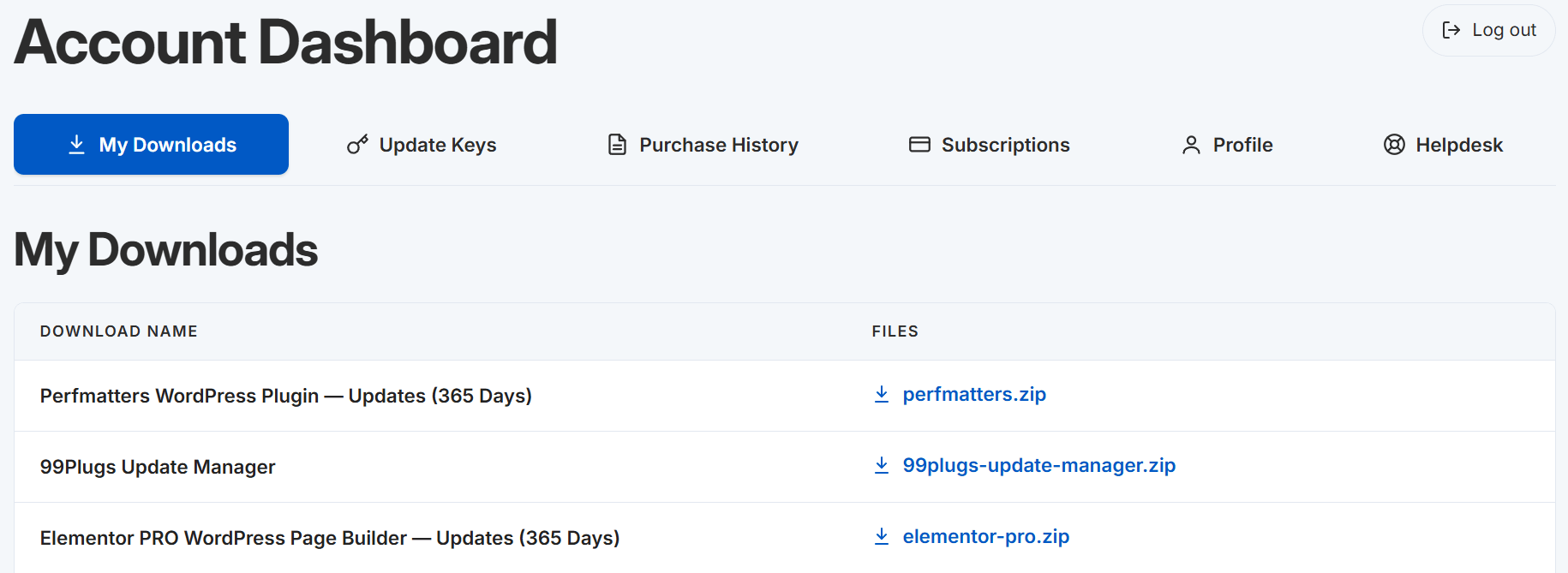
My Downloads
Every plugin and theme you have access to, as a zip you can download whenever you want. Click the file link on the right of each item.
Downloads are unlimited. No daily cap, no fair use policy, nothing counting against you. Download one, download fifty, download the same file again next week.
Go to Account → My Downloads.
Update Keys
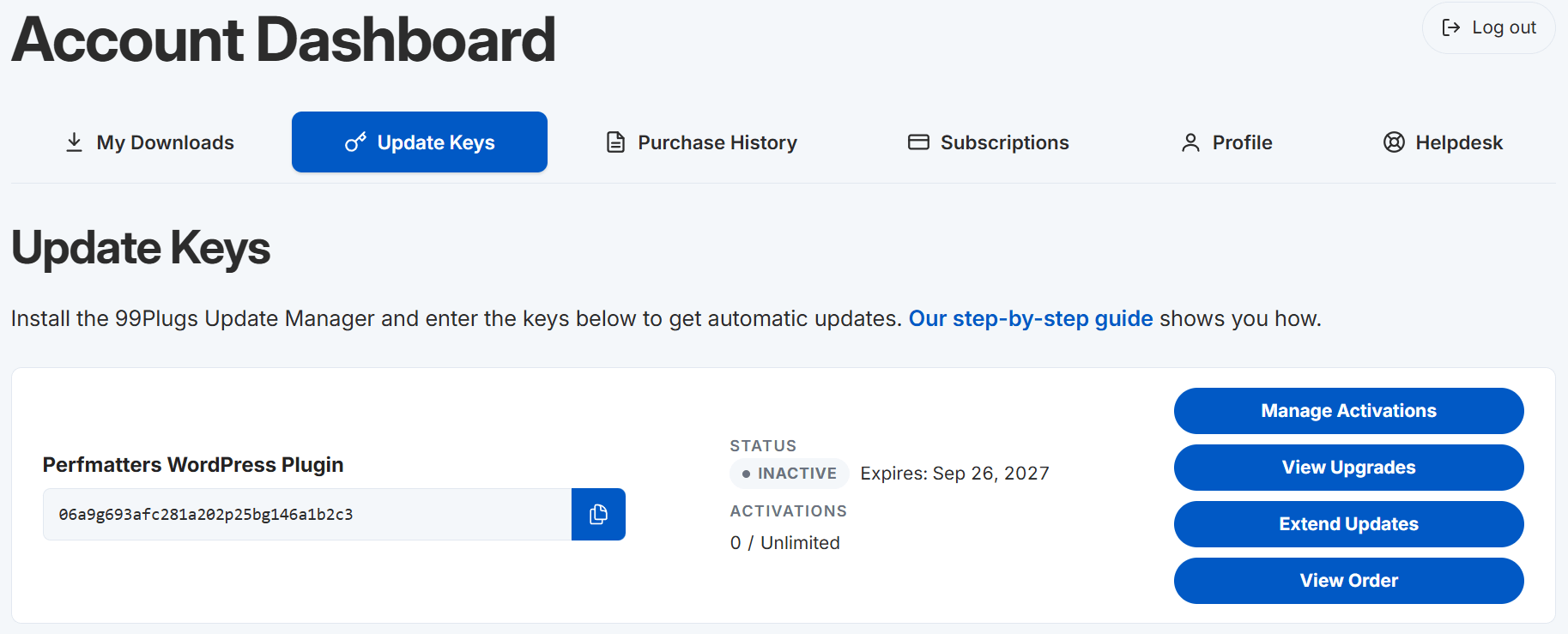
Your item names and update keys. This is what you copy into the 99Plugs Update Manager to make updates arrive on their own.
Go to Account → Manage Update Keys.
Each entry has two parts and you need both: the item name and the update key. Enter them exactly as they appear.
Which one you need
- Setting up a site for the first time. Both. Download the Update Manager from My Downloads, then copy your keys across from Update Keys.
- Installing a plugin. My Downloads.
- Updates not arriving. Update Keys.
The word “dashboard” means two things
You are going to be in both of them, which is why every article here spells it out.
Your account dashboard on 99plugs.com holds your files and your keys. Your WordPress dashboard is where the plugin gets installed and where the updates turn up. When an article says “your account dashboard on 99plugs.com,” it means this site, not your WordPress admin.
Also in your account
- Purchase History, your orders and what each one covers
- Helpdesk, where you open a ticket and read the ones you opened before