A shopper lands on your store at 11pm with one question. Does this ship to Canada? Nobody is there to answer, so they close the tab. An AI chatbot answers that question in the chat window while you sleep, and on a WordPress site it is one plugin away.
This list covers the nine plugins in the 99Plugs AI Chatbot Plugins category. Five are chatbots that talk to your visitors. The other four are AI tools that write the posts, make the images and build the visuals those visitors read. For each one you get what it does and who it suits.
Every plugin here is $4.99 with a year of updates or $9.99 with lifetime updates. Pick one, pick three, or take the lot.
The nine at a glance
| # | Plugin | What it does | Pick it if |
|---|---|---|---|
| 1 | AI Engine Pro | Chatbot, content writer and AI tools in one plugin | You want one AI plugin instead of four |
| 2 | AI Power Pro | Chatbot you train on your own content, plus content, images and forms | The bot has to know your products |
| 3 | WPBot Pro | Support and lead-capture chatbot on Google’s DialogFlow | You want leads and callbacks from chat |
| 4 | WoowBot Pro | Shopping chatbot for WooCommerce | You run a WooCommerce store |
| 5 | Helper OpenAI Chatbot | Chatbot that answers from your site’s content | You want a bot live fast, with no deep tech skills |
| 6 | Aiomatic | Writes new posts and refreshes old ones | You publish often and want AI drafts |
| 7 | AIKit | Writing assistant inside WordPress | You write your own posts and want help |
| 8 | AI Image Pro | Makes and edits images with AI | Your posts need images of their own |
| 9 | iList Pro | Infographics, lists and charts | You explain data or steps visually |
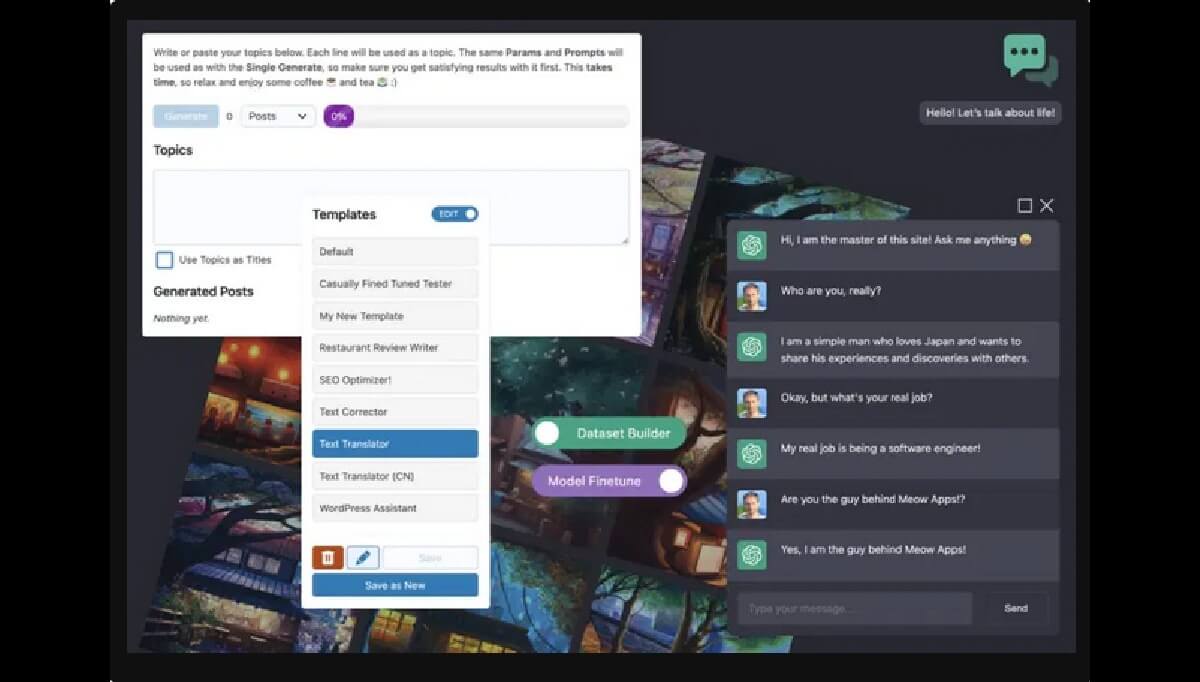
AI Engine Pro, from Jordy Meow of Meow Apps, puts a chatbot, a content writer and a set of AI tools into one plugin. If you would rather install one AI plugin than four, start here.
What it does
- Chatbots. Build one and put it on your site.
- AI Copilot. Writing help inside the WordPress editor, so drafts move faster.
- AI Playground. Tools for translation, SEO and other one-off jobs.
- WooCommerce and titles. Store integration and title brainstorming.
- Usage tracking and limits. See what the AI is doing and put a cap on it.
Those limits matter more than they sound. The AI runs on OpenAI’s paid API, and a busy chatbot with no cap is a bill with no cap.
2. AI Power Pro
AI Power Pro, by Senol Sahin, is a complete AI package for WordPress. Its strength is training. You feed it your own material, so the chatbot answers from your pages instead of from general knowledge.
What it does
- Chatbot widget. A chat window on your site.
- AI training and embeddings. The bot works from your content, your products and your policies.
- Content, images and forms. Generated inside WordPress, with options you set.
- WooCommerce integration. For stores that want AI on the product side too.
Pick AI Power Pro when a generic answer is worse than no answer at all.
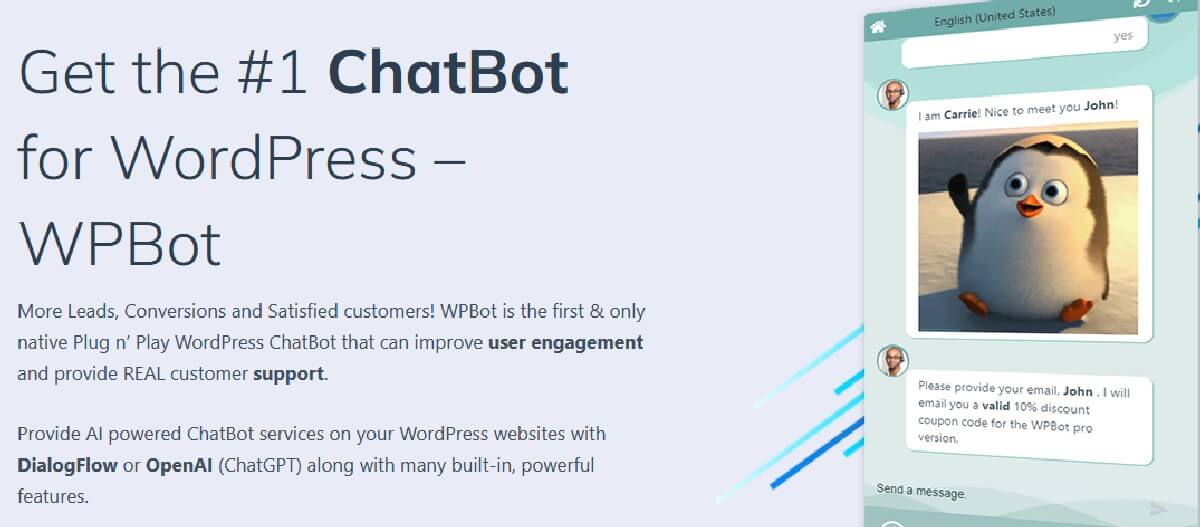
WPBot Pro, from QuantumCloud, is a chatbot with a job: support and leads. It uses Google’s DialogFlow to understand what visitors type, and it turns a chat into an email address, a callback number or a booked request.
What it does
- Answers and search. Visitors ask questions and search your site from the chat.
- Lead capture. It collects emails for your list, sends email, or takes a number for a callback.
- Custom intents. Surveys, polls, appointments and service requests, with the answers emailed to you.
- Onsite retargeting. Offers and coupons on exit intent, after a set time or on scroll.
- Hours and handoff. Set when the bot is online, embed it on any website, and hand off to tawk.to or Facebook Messenger for live chat.
Try the callback option first. A visitor who leaves a phone number is a warmer lead than one who leaves a question.
WoowBot Pro is WPBot’s sibling, also from QuantumCloud, and it is built for WooCommerce stores. Shoppers find products and put them in the cart without leaving the chat.
What it does
- Shop from the chat. Product search and add to cart, right in the chat window.
- Support answers. Conversations run on Google’s DialogFlow.
- Live chat backup. Facebook Messenger for when a person needs to step in.
- Offers that land on time. Coupons and specials on exit intent, after a set time or on scroll.
- Abandoned carts. Timely messages to shoppers who stall, with statistics and reports on conversions.
Watch the reports after the first week. They tell you where shoppers leave, and that is where the next coupon goes.
Helper, from Merkulove, is built to get a chatbot onto your site fast. It runs on OpenAI and answers questions about your site’s content and products. You do not need deep tech skills to set it up.
What it does
- Answers from your site. Questions about your content and products, and the common ones you get every day.
- FAQ answers. Pre-set replies to the questions you already know are coming.
- Visitor details. Collect data for follow-up or analytics.
- Email form. A submission form inside the chat.
Every common question Helper answers is one less ticket in your inbox.
Aiomatic, from CodeRevolution, is a writer, not a chatbot. It publishes new posts written by AI, or refreshes old posts with updated material. If you run an auto-blog, it is the plugin on this list built for the job.
What it does
- New posts. AI-written and published for you.
- Refreshed posts. Old posts brought up to date with new material.
- Tone and type. Tell it what to write: product reviews with a positive or negative tone, dialogues, event commentary.
Start with the refresh. You already have the traffic on your old posts. Aiomatic brings the words up to date.
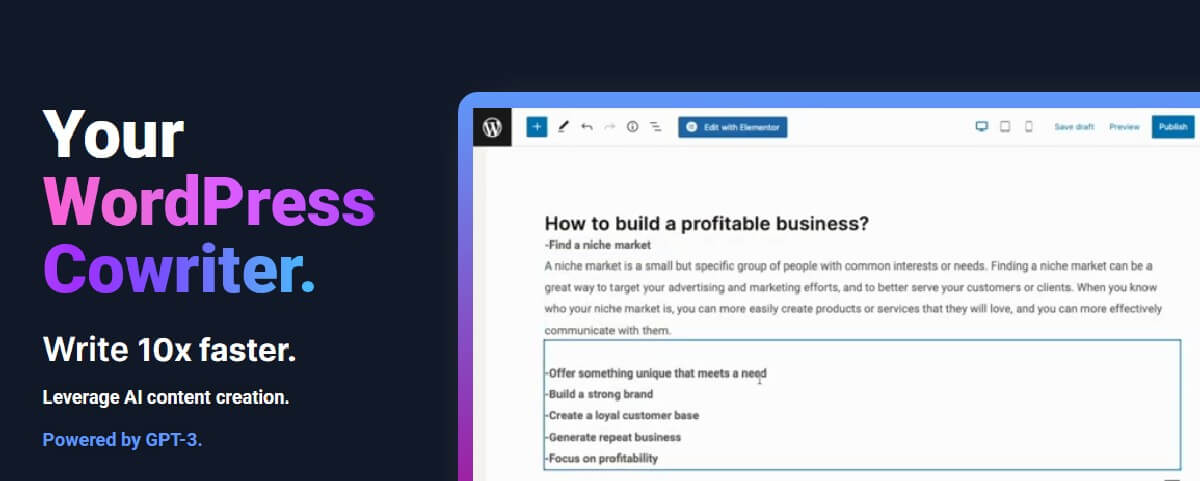
AIKit works the other way round from Aiomatic. You write, and AIKit helps from inside WordPress, using OpenAI.
What it does
- Drafting. Titles, paragraphs and full sections on any topic.
- Summaries and paraphrases. Of text you already have.
- Marketing copy. Short, punchy lines for promotions.
- Plain-language rewrites. Hard-to-read text made simple.
- Images. Generated from the same plugin.
Pick AIKit if you want to stay the writer and hand off the tedious parts.
8. AI Image Pro

AI Image Pro makes and edits images with the generative image services from OpenAI and Stability.ai. Your posts get images of their own, made inside WordPress.
What it does
- Generate. New images, made with AI.
- Edit. Changes to images with AI.
- Your choice of service. OpenAI, Stability.ai, or both.
Both services charge by usage, so set a budget before a whole team starts making images.
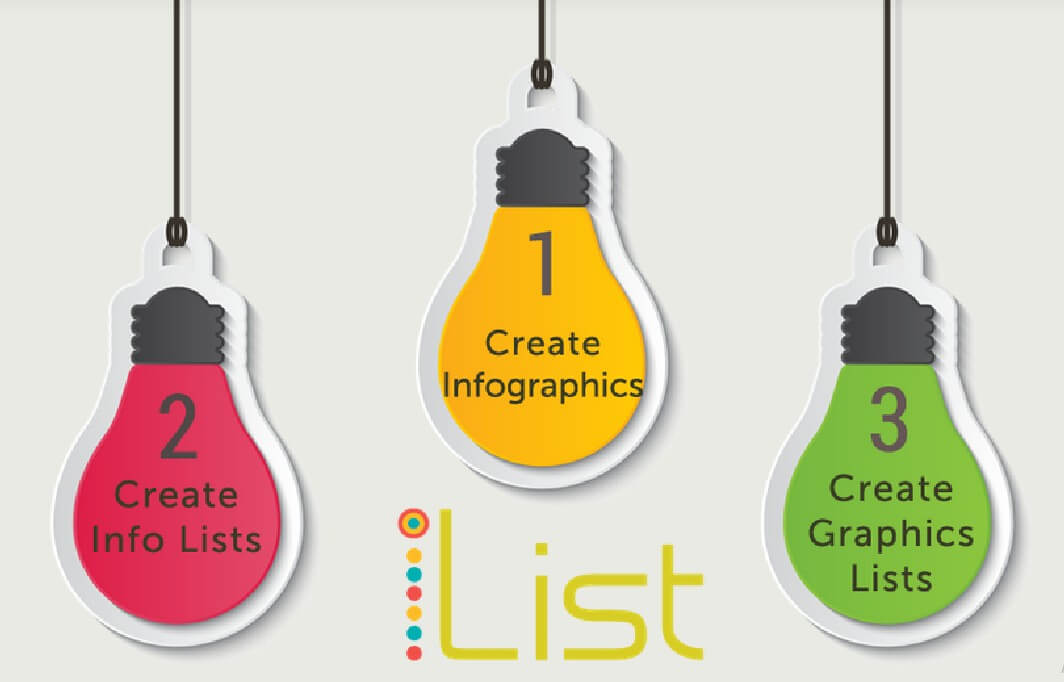
iList Pro, from QuantumCloud, turns data and step-by-step lists into visuals your readers can scan. It is the one to reach for when a paragraph of numbers loses people.
What it does
- Infographics. Responsive, animated HTML5 infographics.
- Lists. Text and graphics lists, with charts and graphs.
- Listicles. Multi-page list posts with space for ads.
- Shortcodes. Drop any of it on a page or post.
A chatbot answers one visitor at a time. A good infographic answers the same question for all of them.
Which one to start with
- You run a store: WoowBot Pro.
- You want leads and support on a service site: WPBot Pro.
- The bot has to know your content: AI Power Pro or Helper.
- You want one plugin that does most things: AI Engine Pro.
- You want more posts: Aiomatic.
- You want better posts: AIKit.
- You need images or visuals: AI Image Pro or iList Pro.
What an AI plugin costs to run
The plugin is the cheap part. Six of these nine send your requests to a paid AI service, and that bill grows with use.
AI Engine Pro, AI Power Pro, Helper, Aiomatic and AIKit run on the OpenAI API. AI Image Pro uses OpenAI, Stability.ai or both. You pay those services directly, by the volume of requests and the model you choose. Check their pricing before you switch a chatbot on for a busy site.
WPBot Pro and WoowBot Pro run their conversations through Google’s DialogFlow, so check what a DialogFlow account needs before you install either one.
Get all nine for one price
Each plugin is $4.99 with 365 days of updates, or $9.99 with lifetime updates. Updates show up in your WordPress dashboard through the 99Plugs Update Manager, the same way free plugins update. Click update. Done.
Buying one or two? Buy them one at a time. Building a whole stack across client sites? A VIP Access Pass is $99 a year or $299 for life, and it covers all nine plus the rest of the 3,000+ premium WordPress plugins and themes, with unlimited downloads on unlimited sites.
Not ready to decide? The free trial gives you 30 days with 10 premium plugins, no credit card required.