A business website has a short list of jobs. Take enquiries. Show up in search. Load fast. Stay safe. Keep the customer moving toward a sale. WordPress does a little of each on its own, and a plugin does each one properly.
This list covers 15 of them: the forms, SEO, security, speed and sales plugins a business site reaches for first. Each name links to its page in the 99Plugs catalog, where it costs $4.99 for a year of updates or $9.99 for lifetime updates. Or take all 15, plus the rest of the 3,000+ premium WordPress plugins and themes, with one VIP Access Pass.
What plugins do for a business website
WordPress gives you pages, posts and a media library. A business needs more than that. Plugins fill the gap in three ways.
Features without a developer
A quote form. A members area. A second language. Build any of them from scratch and you are paying for weeks of custom code. With a plugin, it is an install and an afternoon of settings, and the developer who wrote it keeps it working as WordPress changes.
A faster site
Slow pages lose visitors before they read a word. Performance plugins cache your pages, trim what the browser has to load, and cut the work your server does on every visit. Your visitor sees the page sooner, and your hosting plan goes further.
Security
A business site holds customer names, email addresses and sometimes orders. That makes it worth attacking, even when the business is small. A security plugin watches the logins, blocks the obvious attacks and locks down the settings WordPress leaves open, so a problem gets caught before a customer ever sees it.
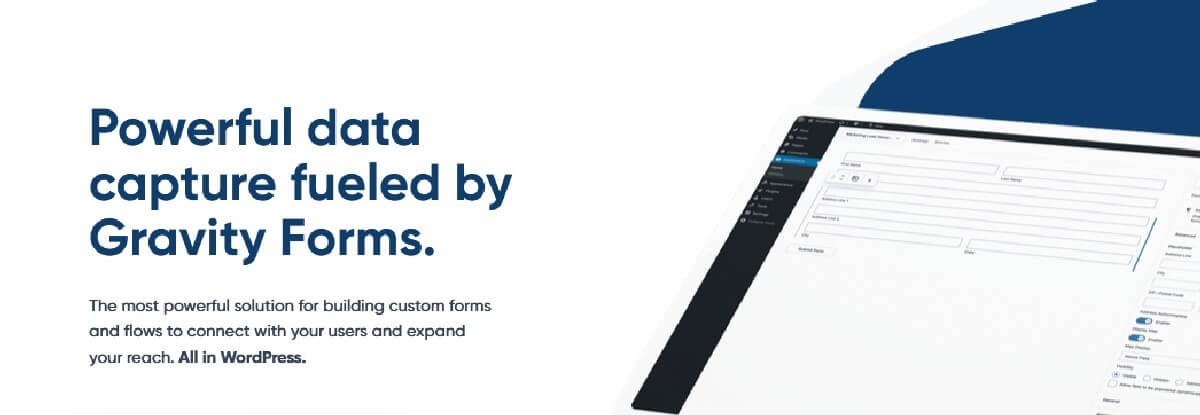
Forms are where a visitor becomes a lead. Gravity Forms builds them: contact forms, quote requests, job applications, surveys and payment forms, with conditional logic that shows each person only the questions that apply to them.
It is also one of the 10 plugins in the 99Plugs free trial, so you can put it on a real site before you pay anything. Three add-ons take it further.
Gravity Flow
Gravity Flow turns a form into a workflow. A submission goes to the right person for approval, moves to the next step when they sign off, and tells whoever needs to know. Leave requests, purchase approvals and support tickets all fit. Nobody chases an email thread to find out where a request got stuck.
Gravity Perks
Gravity Perks, from Gravity Wiz, is one plugin that installs and manages a set of small Gravity Forms add-ons called Perks. Each one fills a gap: advanced calculations, conditional pricing, limits on how many people can pick a choice, inventory counts, date and time calculations, and renaming files as they upload. Switch on the ones you need and leave the rest off.
GravityView
GravityView puts form entries on the front end of your site. Build a directory, a staff list, an event listing or a customer portal from entries you already collect, with search, sorting and front-end editing. Extensions add maps, calendars and data tables.

Rank Math handles the SEO work that happens behind the page: titles and descriptions, schema markup and sitemaps. You write the page. Rank Math checks it as you go and tells you what to fix before it goes live.
PRO adds site analytics and SEO performance reports inside WordPress, custom schema templates, and news and video sitemaps. That means you see which pages bring in search traffic without leaving the dashboard. Rank Math SEO PRO is in the free trial too.

The security plugin a business site needs is the one that keeps working while nobody is looking. iThemes Security Pro gives you more than 30 ways to lock down WordPress, in a plugin built to be easy to set up.
Turn on the protections that fit your site and let it run. If you look after several client sites, set it up the same way on each one, and a new install is protected from the day it launches.
Tip: security and updates go together. Most attacks go after plugins that are out of date. With 99Plugs, updates for your premium plugins show up in the WordPress dashboard like any free plugin’s, and the Update Manager backs up the old version first. See the Update Manager guide.
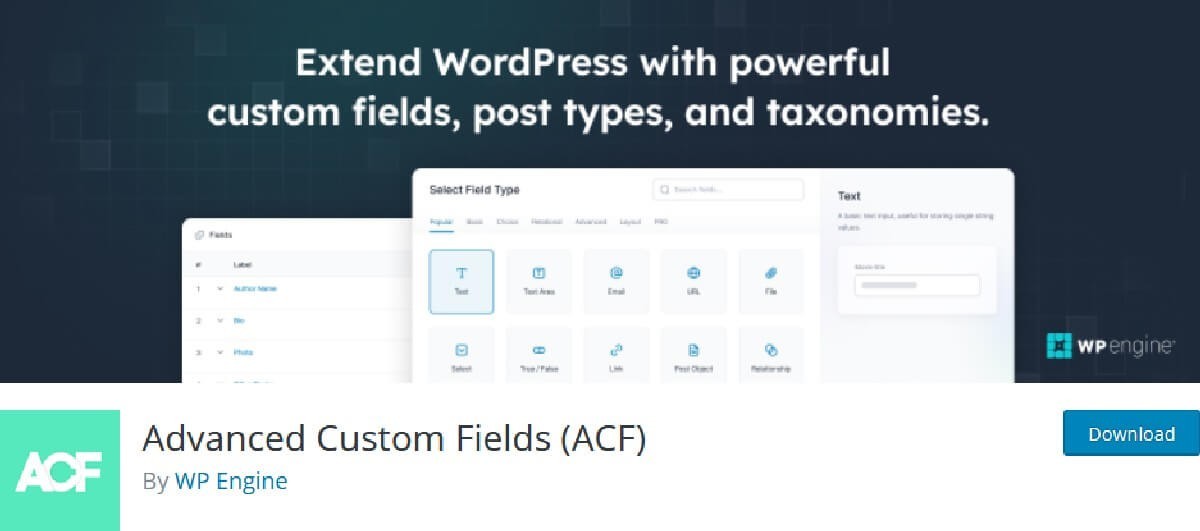
A WordPress page has a title and a content box. A business needs more than that: a price on a service, a closing date on a job, a role and a photo for each team member. ACF adds those fields to the edit screen. Whoever updates the site fills in a box instead of formatting a paragraph, and the layout stays the way you built it.
Pro adds the repeater field (a list of anything, as long as you need), flexible content (page sections an editor can add and reorder) and the gallery field. No coding needed to use them once they are set up.
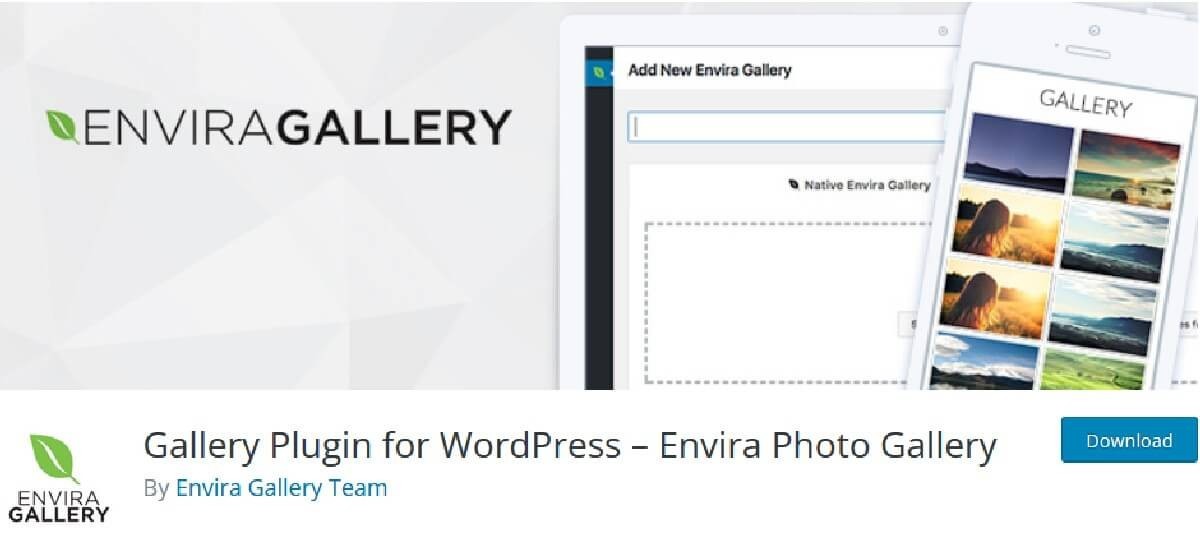
Envira Gallery builds responsive photo and video galleries. Upload the images, drag them into order, publish. The gallery fits every screen size without extra work.
Add-ons cover albums, password-protected galleries and client proofing. If your business sells photography, or shows off finished work like kitchens, weddings or buildings, this is how the portfolio page gets made.

MonsterInsights connects Google Analytics to WordPress and shows the numbers in your dashboard: where visitors come from, which pages they read and what they do next. No tracking code to paste into the theme.
Add-ons track form submissions and store sales, and one helps with EU privacy compliance. You make decisions from the numbers without opening another tab.
7. WP Fusion
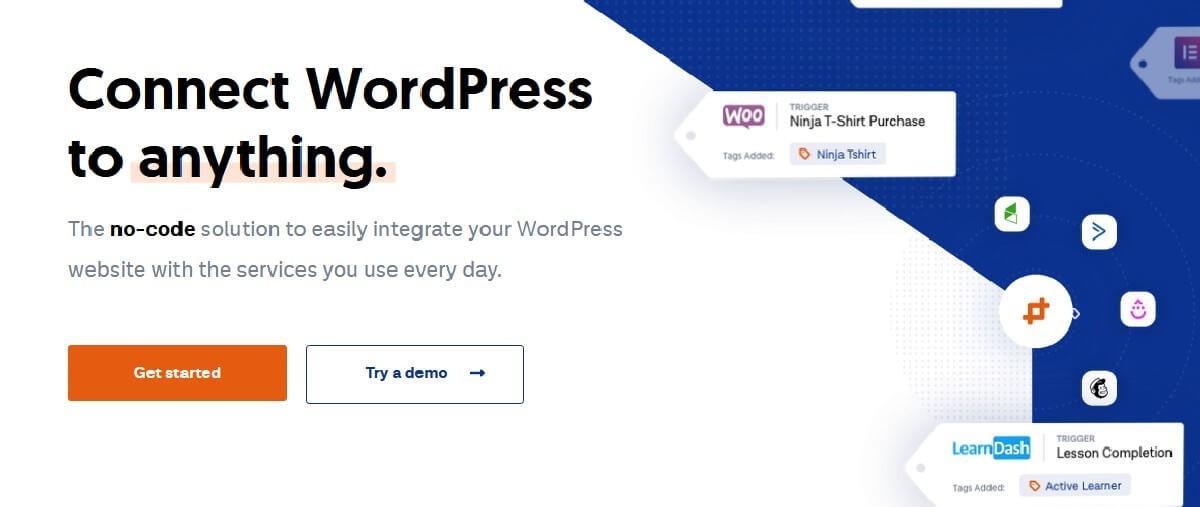
WP Fusion connects WordPress to your CRM or marketing automation platform. When someone signs up, buys or finishes a course on your site, their record in the CRM updates on its own.
Your automations take it from there: the follow-up email, the SMS, the tag that puts the customer in the right campaign. It works with the plugins you already run, and it takes no code.
8. WP Rocket

WP Rocket is a caching plugin, and an easy one to set up. It saves ready-built copies of your pages and serves those, so the server does not rebuild each page for every visitor.
Faster pages for the visitor, less load on your hosting. WP Rocket is in the free trial, so you can measure the difference on your own site.
9. SearchWP
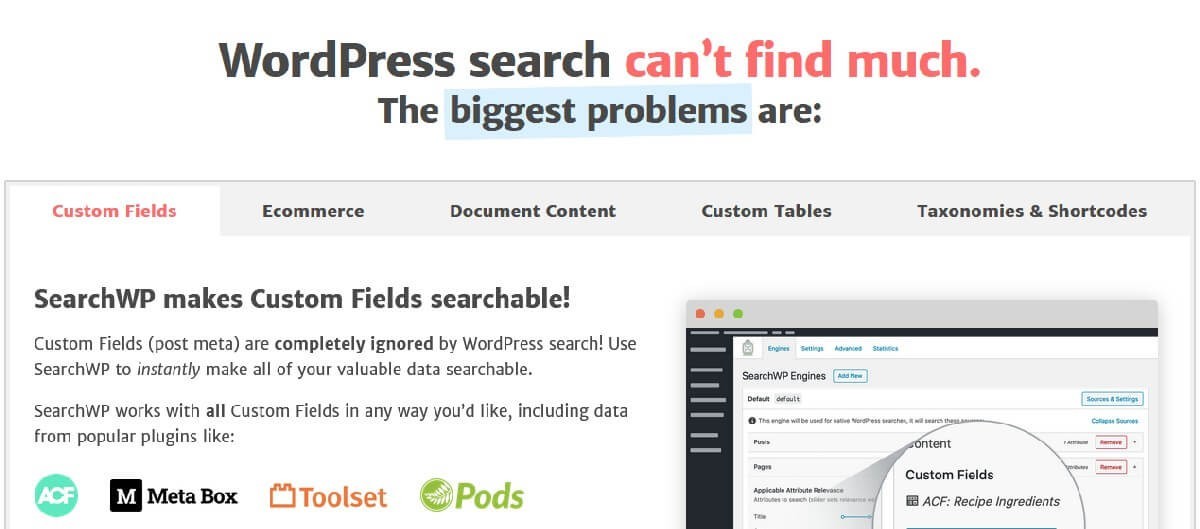
Default WordPress search reads titles and post content. Anything stored in a custom field, like a product code or a location, is invisible to it. A visitor searches for something you sell and gets nothing back.
SearchWP makes custom fields searchable. Extensions add live results as the visitor types, fuzzy matching that forgives typos, and control over which results come first.
10. WPCode Pro
Sooner or later someone asks you to add a tracking pixel or a short script to the site. WPCode keeps header and footer scripts, PHP snippets and ad pixels in one place, with conditional logic for where each one runs.
Nothing goes into the theme files, so a theme update never wipes your changes. Anyone who looks after the site next can see exactly what was added.
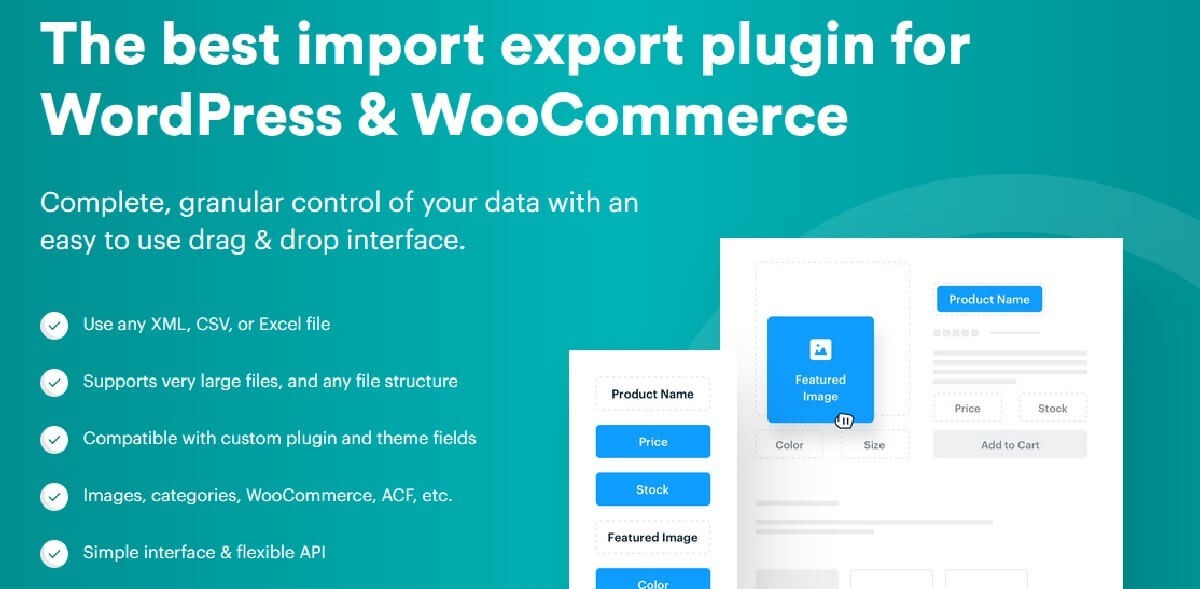
Moving a product list, a property feed or a customer list into WordPress by hand takes days. WP All Import Pro reads XML and CSV files and maps each column to a field in your posts, pages or custom post types.
Run an import on a schedule to keep a supplier feed current, or update records you imported before. Set it up once and the data keeps itself in step.
12. WPML
WPML translates a WordPress site: pages, posts, tags, categories and theme text. A customer in another country reads your site in their own language, and search engines can list each language version.
Add-ons extend translation to forms, stores and the text other plugins print on the page. Selling abroad starts here.
13. AffiliateWP

AffiliateWP runs an affiliate program from your own WordPress site. Affiliates sign up, get their links and see their referrals. You track the sales they bring in and pay their commissions.
Add-ons cover lifetime commissions, a full affiliate portal and fraud prevention. Your best customers become a sales team you only pay when they sell.
14. MemberPress
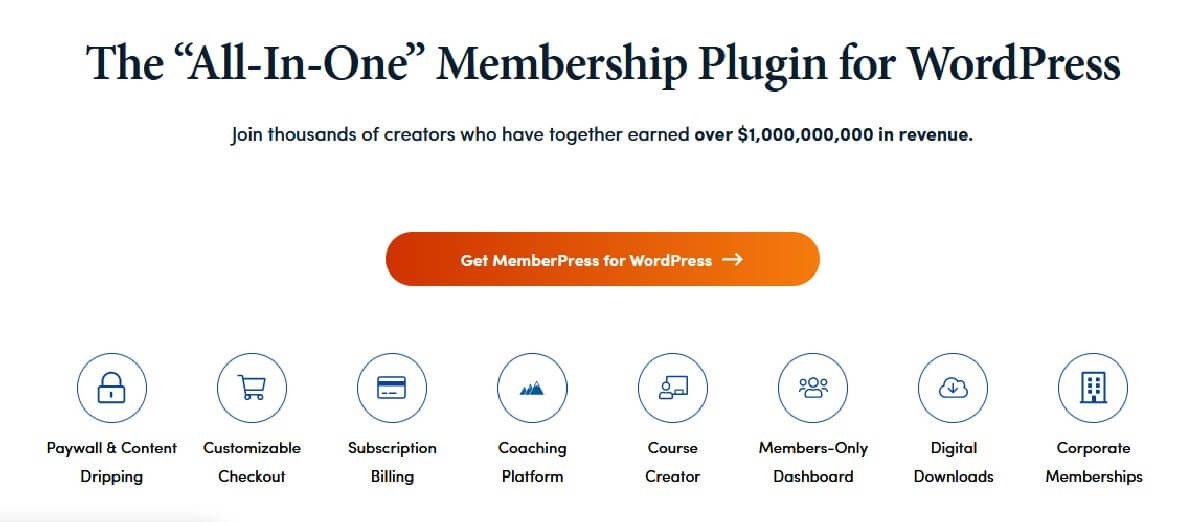
MemberPress turns what you know into a membership. Restrict pages to paying members, take card payments securely, sell online courses and sell digital downloads.
Set up the levels and prices once. MemberPress decides who sees what, and your members get what they paid for without you checking a spreadsheet.
15. CartFlows Pro
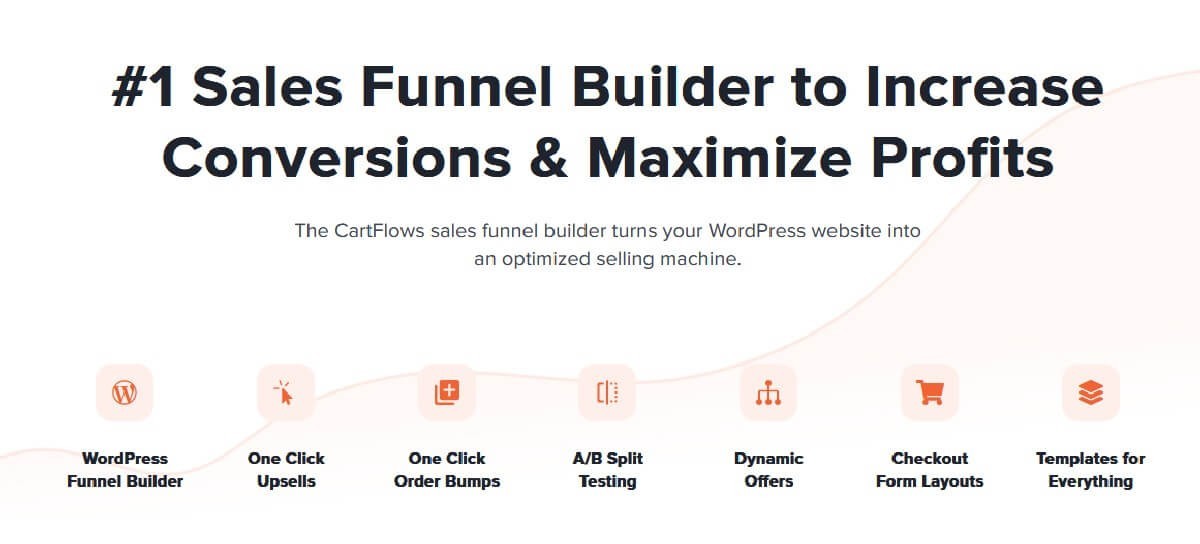
CartFlows builds sales funnels: a landing page, a checkout and the offers around it. Pro adds order bumps, a one-tick extra on the checkout page, and one-click upsells after payment.
The buyer adds to the order without typing their card details again, and your average order goes up.
Get all 15 with one pass
Bought one at a time from 99Plugs, each plugin on this list costs $4.99 for a year of updates or $9.99 for lifetime updates. A VIP Access Pass costs $99 a year or $299 once, and covers all 15 plus every other plugin in the catalog.
Either way, every plugin updates through the 99Plugs Update Manager. The update shows up in your WordPress dashboard the same way a free plugin’s does. Click update, and the old version is backed up first in case you want it back. Use the plugins on as many sites as you run, with no daily download limit.
Try it first. The free 30-day trial gives you 10 premium plugins, and Gravity Forms, Rank Math SEO PRO and WP Rocket from this list are three of them. No credit card required.
Want more like this? The 99Plugs blog has the rest.