Elementor runs on more than 22 million sites. It is the page builder most WordPress developers reach for first, and for good reason: you drag a widget onto the page, you see the result, and you move on.
The free version stops where client work starts. Mega menus, custom post layouts, WooCommerce product pages, popups, forms that do math. That is where addons come in.
Below are the 15 we would install in 2026, what each one adds to Elementor, and who it is for. Every one is in the 99Plugs catalog, and every link goes to its download page.
Pick by the job
| You need | Start with |
|---|---|
| The core builder: theme builder, popups, forms | 1. Elementor Pro |
| Mega menus and header and footer layouts | 3. ElementsKit, 8. HT Mega Pro |
| The biggest widget library | 4. Element Pack, 5. The Plus Addons |
| Copy sections from one site to another | 2. Ultimate Addons, 7. Happy Addons Pro |
| Post grids, listings and custom field data | 12. Livemesh, 13. Dynamic Content, 14. Dynific Addons |
| A WooCommerce store | 15. WooLentor Pro (ShopLentor) |
| Your own branding in the editor | 10. PowerPack Elements |
Tip: Each addon on 99Plugs is $4.99 for a year of updates or $9.99 for lifetime updates, and you use it on as many sites as you like. If you want several from this list, a VIP pass covers all 3,000+ premium WordPress plugins and themes for $99 a year.
1. Elementor Pro
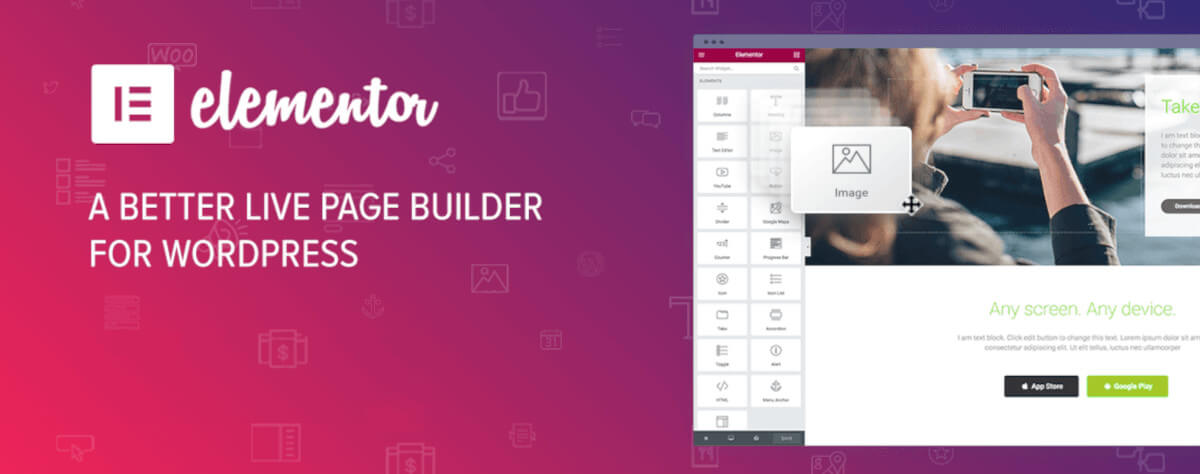
Start here. Most addons on this list run on free Elementor, but Elementor Pro is what turns the builder into a full site builder. It adds 85 Pro widgets and the tools that let you design the parts of a site a page builder alone cannot reach.
- Theme Builder: design headers, footers, single post templates and archive pages in Elementor, then apply them site-wide.
- Popup Builder: build signup popups, announcements and exit offers with the same editor you use for pages.
- Form Builder: build contact and lead forms without a separate form plugin.
- WooCommerce Builder: lay out product pages, the shop page and the cart to match the rest of the site.
2. Ultimate Addons for Elementor
Ultimate Addons comes from the team behind the Astra theme. It adds 50+ widgets and extensions and 300+ templates, and it is built for people who build a lot of sites.
- Cross-domain copy paste: copy a section on one site and paste it into another. Handy when three client sites need the same pricing table.
- Section particles: animated backgrounds for hero sections without writing any code.
- Form stylers: make forms from other plugins match your design.
- Templates: 300+ starting points, so a new page does not start from a blank screen.
3. ElementsKit
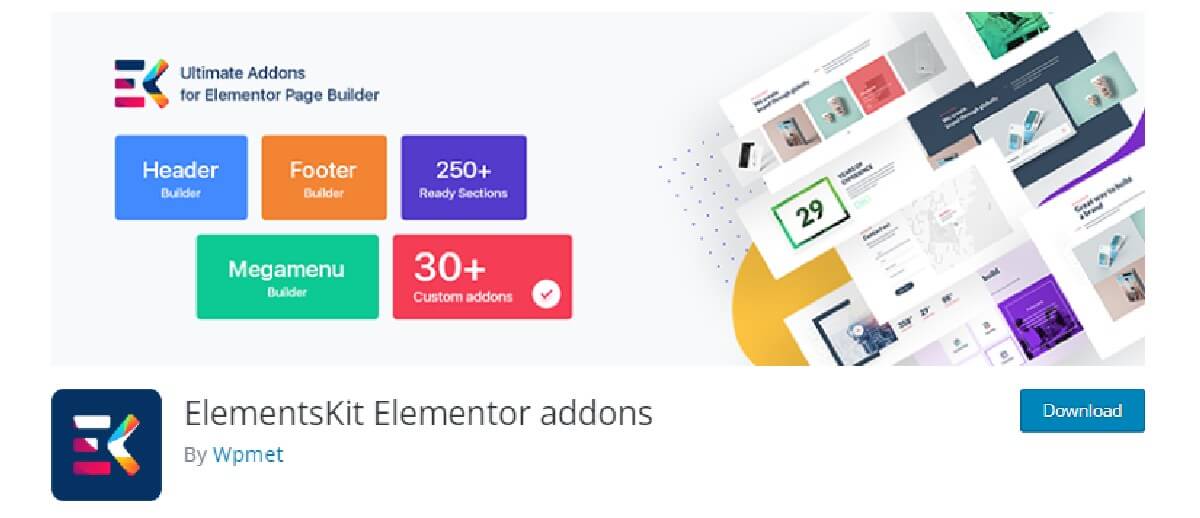
ElementsKit is the one to pick when the navigation matters. Its header and footer builder and its mega menu are the reasons most people install it.
- Header and footer builder: design both in Elementor and show them on every page.
- Mega menu builder: multi-column menus with images and icons, built by drag and drop.
- Parallax effects: layered scrolling for sections that need some depth.
4. Element Pack
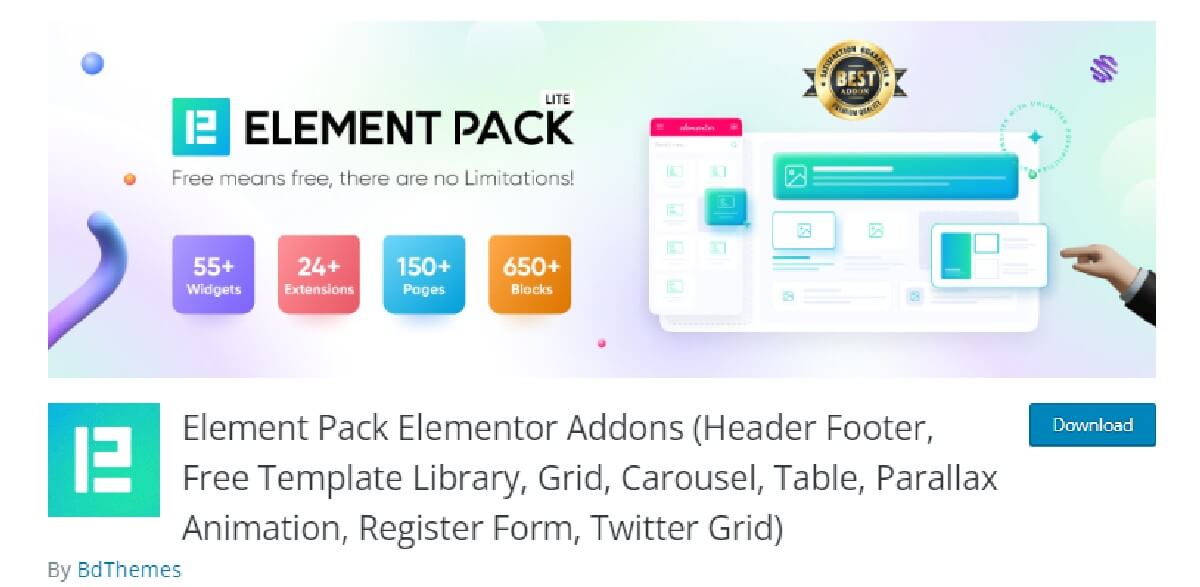
Element Pack is the biggest library here: 230+ widgets and extensions. If you want one addon that covers most layouts, this is a strong pick.
- WooCommerce widgets: product displays, carts and checkout pieces you can style.
- Form styling: give forms from other plugins the look of the rest of the site.
- Particle backgrounds: animated sections without code.
- Content toggle: switch between two blocks of content, such as monthly and yearly prices.
5. The Plus Addons for Elementor
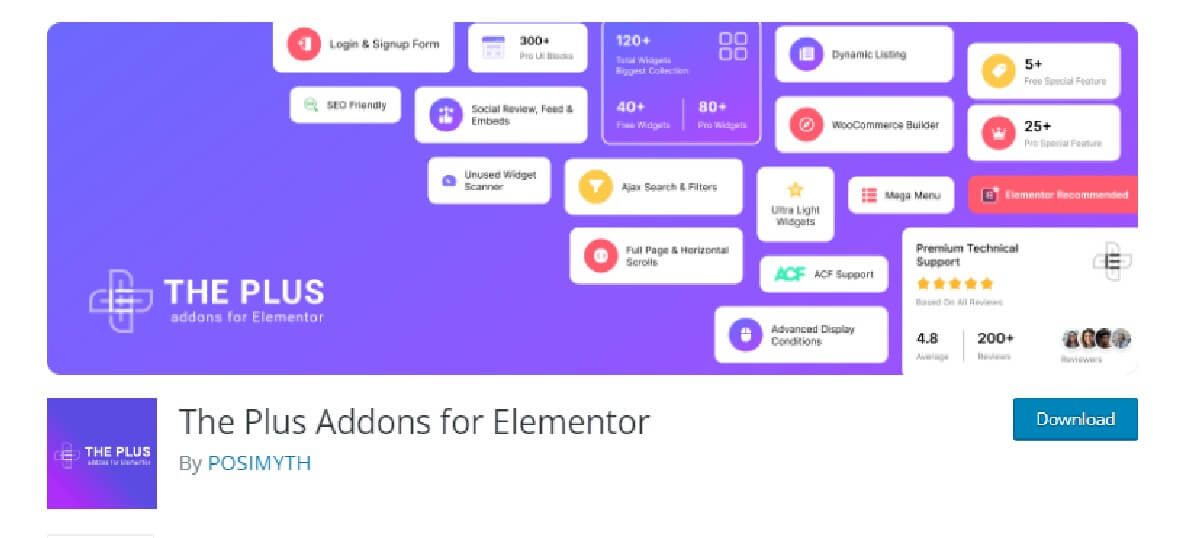
The Plus Addons brings 120+ widgets and extensions. It leans toward sites with a lot of content to list and filter.
- Listing widgets: show posts, products or custom post types in grids and lists.
- Mega menu: a full menu builder for larger sites.
- Hover effects: motion on images, buttons and cards when a visitor points at them.
- WooCommerce support: widgets for store pages.
6. Master Addons for Elementor
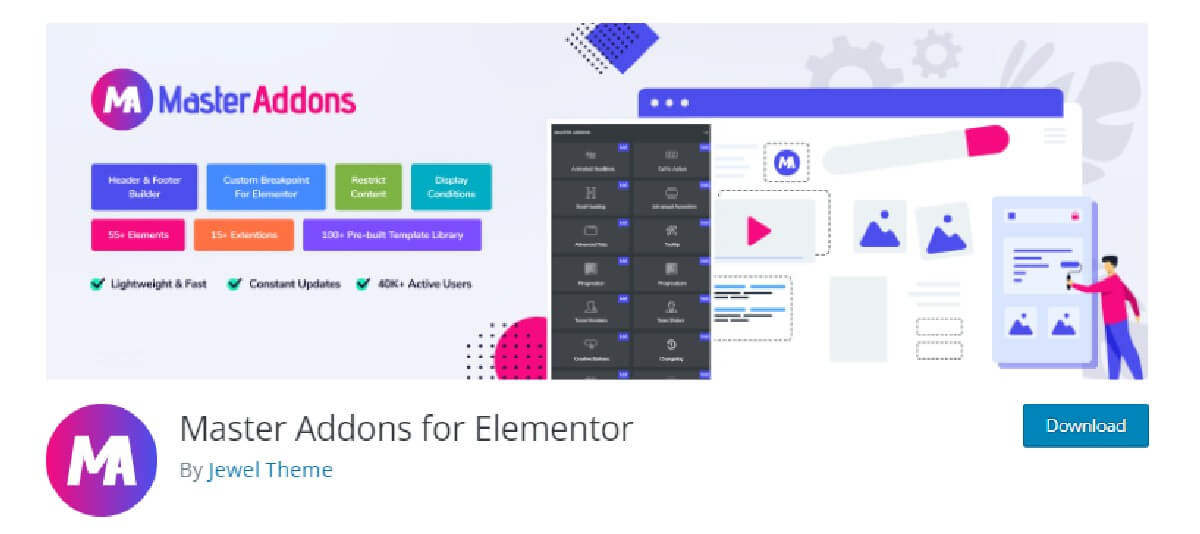
Master Addons keeps things simple. It adds 80+ elements and extensions, plus a set of builders that overlap with Elementor Pro for anyone who wants them in one place.
- Theme builder: site-wide templates for headers, footers and single pages.
- Popup builder: popups, modals and announcement bars for capturing leads.
- Mega menu builder: multi-column menus with icons and images.
- Display conditions: show or hide an element based on rules you set.
7. Happy Addons Pro
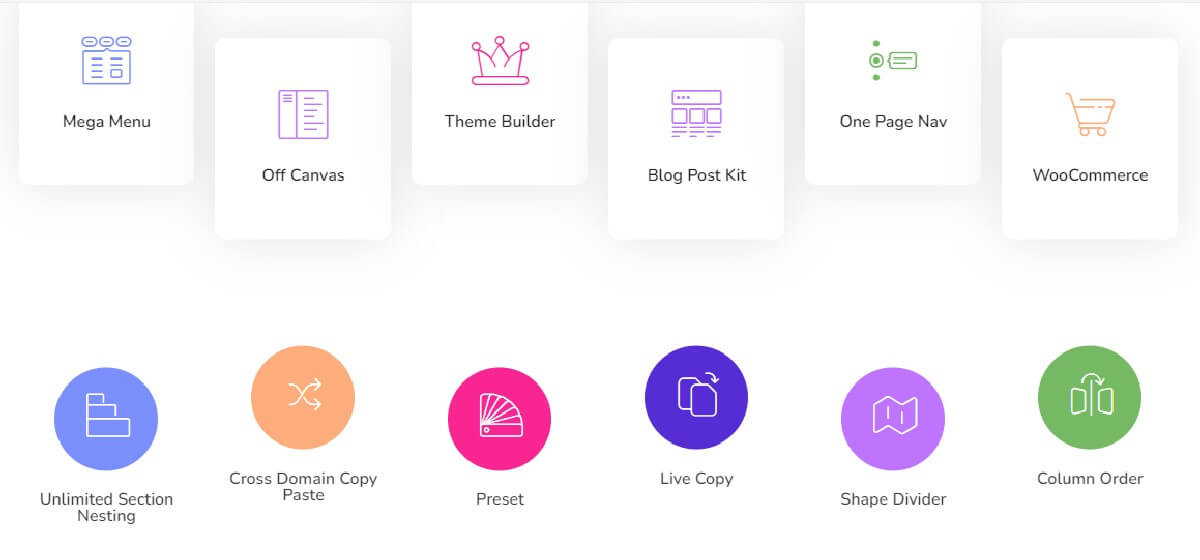
Happy Addons Pro is the pick for motion and polish. Its effects give a page some life without a separate animation plugin.
- Floating effects: make an element drift or bob on the page.
- Cross-domain copy paste: move sections between sites in two clicks.
- Theme builder: design headers, footers and templates in Elementor.
- Display conditions: show a section only to the visitors it is meant for.
8. HT Mega Pro
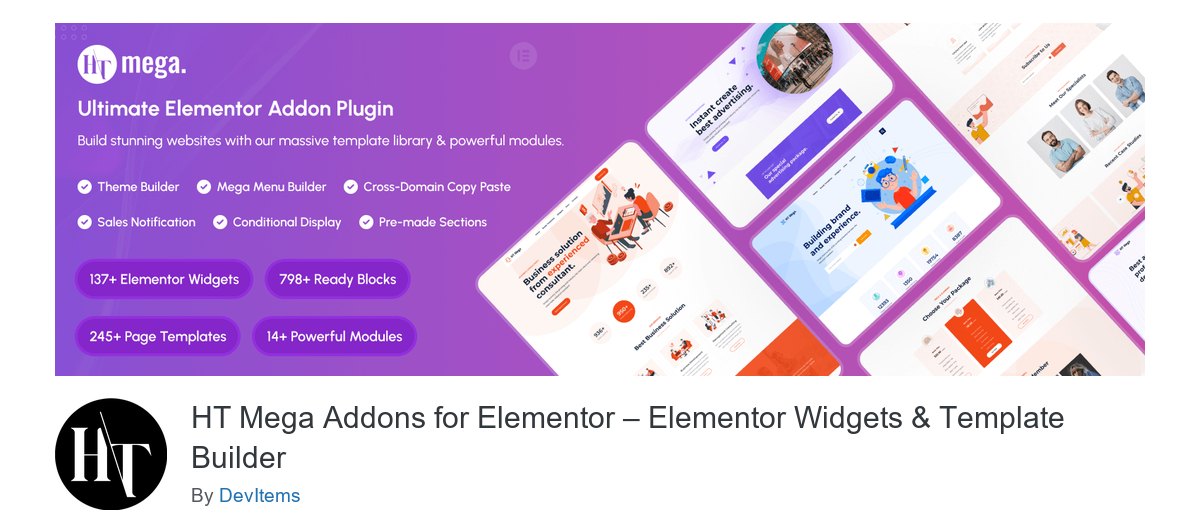
HT Mega Pro covers the same ground as the bigger libraries and adds a few store tools on top. It is new to this list in 2026.
- Theme builder: custom headers, footers and templates, built visually.
- Mega menu builder: multi-column menus by drag and drop.
- Sales notifications: small popups that show recent purchases on a store.
- Conditional display: show content by user role or device.
9. Essential Addons for Elementor
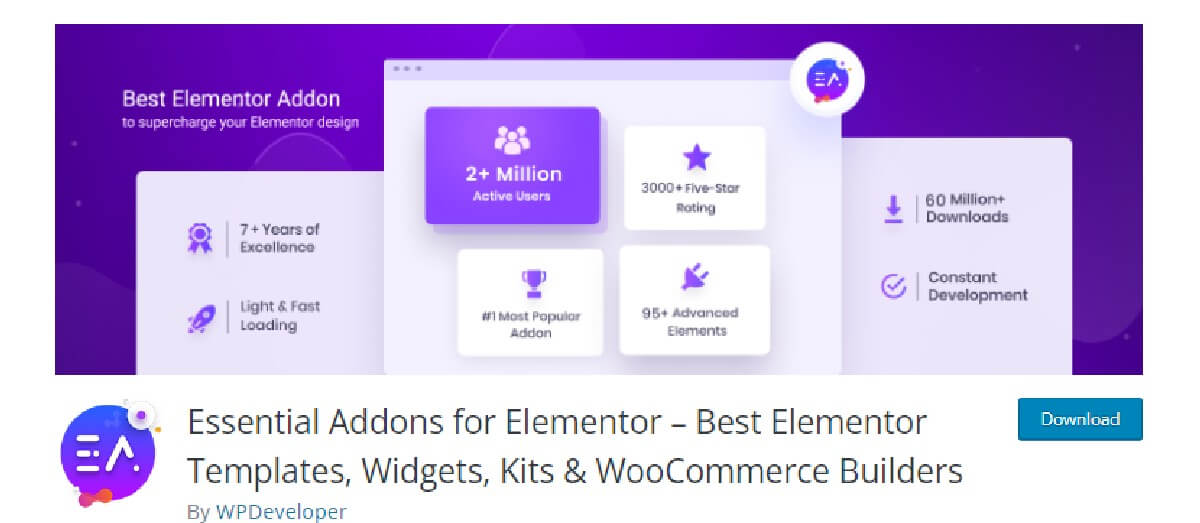
Essential Addons Pro brings 100+ widgets. It covers the everyday blocks a business site needs.
- Info box: a heading, icon and short text for a feature or a service.
- Team member: photo, name, role and social links for an About page.
- Advanced accordion: a tidy home for FAQs.
- Interactive promo: a promo box that links to the page you want people to visit.
10. PowerPack Elements for Elementor
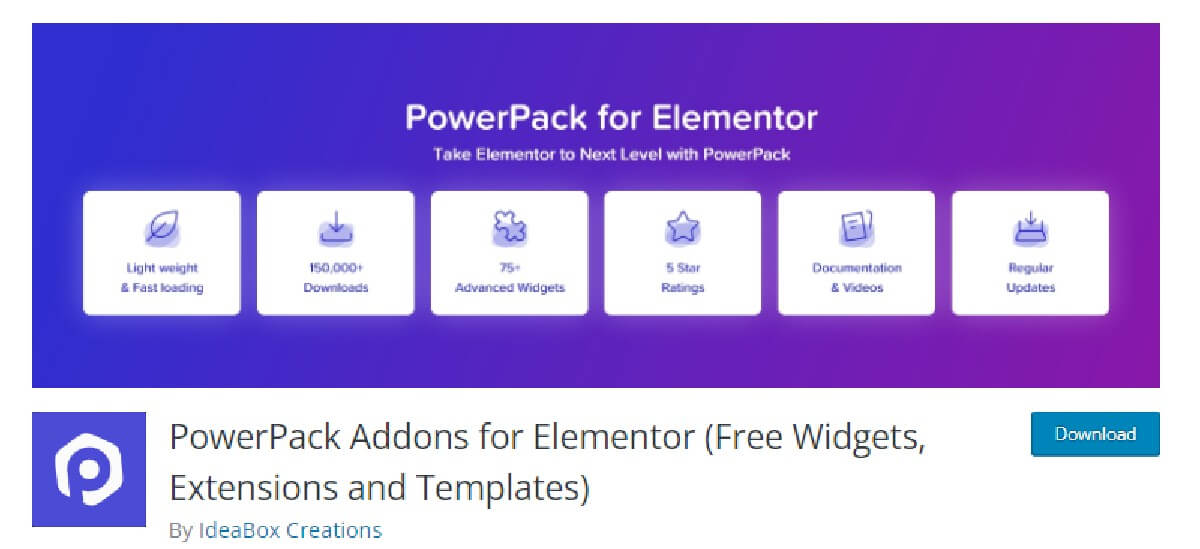
PowerPack Elements packs 70+ widgets and 150+ templates. Agencies like it for one reason: white labeling.
- White label branding: put your own name on the plugin in the dashboard, so clients see your brand.
- Form stylers: match forms from other plugins to your design.
- WooCommerce widgets: product grids and cart elements for store pages.
11. Premium Addons Pro for Elementor
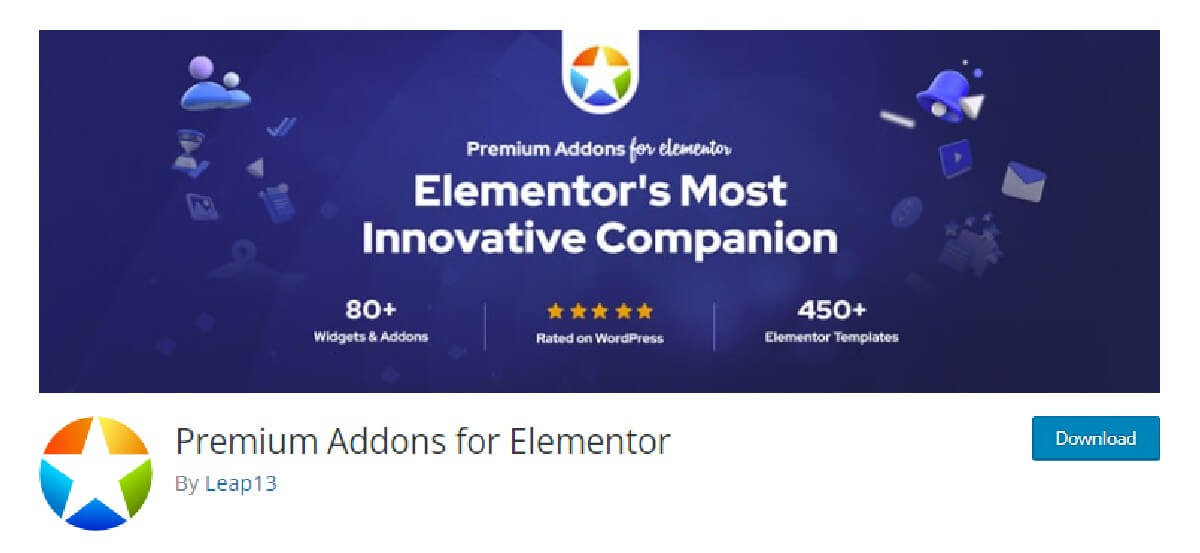
Premium Addons Pro brings 90+ widgets and a set of global addons that work on any section of any page.
- Modal box: a popup that opens from a button, an image or a page load.
- Particle backgrounds: animated sections without code.
- Content switcher: flip between two blocks of content with one toggle.
12. Livemesh Addons for Elementor
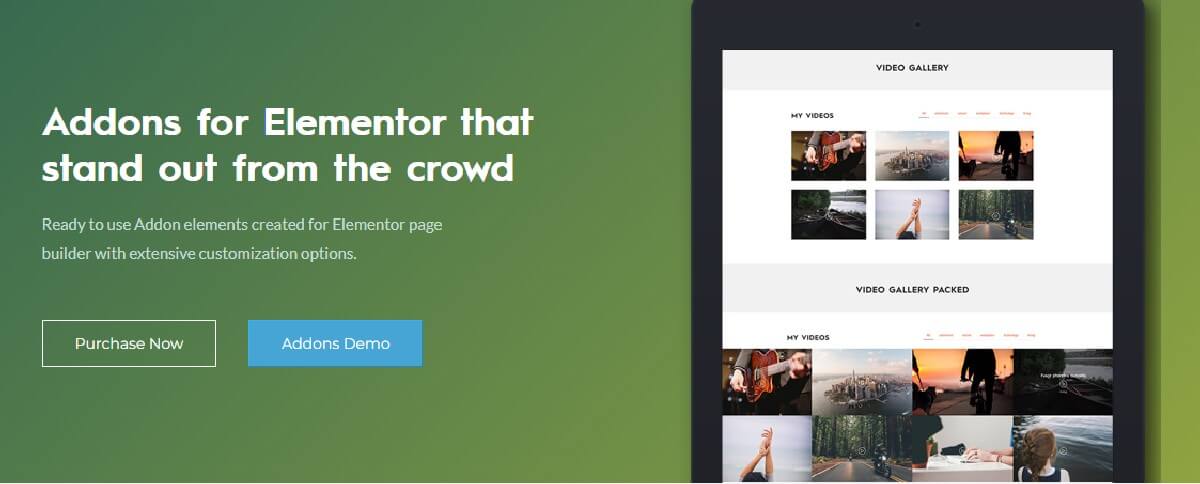
Livemesh is built for showing a lot of posts well. Blogs, news sites and portfolios get the most out of it.
- Posts grid: masonry and packed layouts with AJAX filtering, pagination and load more.
- Posts sliders and carousels: touch-friendly sliders for posts, events or portfolio items.
- Galleries: image and video galleries with their own layouts.
13. Dynamic Content for Elementor
Dynamic Content for Elementor adds over 150 features. It is the one to reach for when a site runs on custom fields or when a form has to do more than send an email.
- Dynamic Posts: pull any posts into a layout you design.
- ACF Repeater and Flexible Content: show Advanced Custom Fields data on the page.
- Smarter forms: conditional fields, calculations, and PayPal or Stripe payments inside an Elementor Pro form.
- PDF button: turn a page or an order form into a PDF.
14. Dynific Addons (formerly AnyWhere Elementor Pro)

AnyWhere Elementor Pro is now sold as Dynific Addons, with 60+ widgets. Its strength is the same as it always was: layouts for content Elementor does not reach on its own.
- Post layouts: design one layout and apply it to every post or custom post type.
- Archive layouts: custom category and archive pages instead of the theme’s default.
- WooCommerce layouts: product pages that match the rest of the store.
- Custom field support: show field data inside your layouts.
15. WooLentor Pro (now ShopLentor)
WooLentor is now called ShopLentor. It is the only store-first addon on this list: 125+ widgets, 281+ templates and 37 modules, all aimed at WooCommerce.
- WooCommerce builder: design product, shop, cart and checkout pages in Elementor.
- Product grids: show products in grids and carousels.
- Sales notifications: popups that show recent purchases.
- Templates: 281+ store layouts to start from.
Which Elementor addon should you install?
One or two, not five. These libraries overlap: several of them have a mega menu, and several have a theme builder. Stack them and you load code you never use.
A simple rule. Start with Elementor Pro. Add one broad library, such as Element Pack or Essential Addons. Then add a specialist only when a project needs it: ShopLentor for a store, Dynamic Content for custom fields, Livemesh for a busy blog.
Browse every Elementor addon we carry on the Elementor Pro plugins page.
Try them before you pay
Every addon here updates from your WordPress dashboard, the same way a free plugin does. Click update. Done.
The free trial gives you 30 days with 10 premium plugins, and no credit card. If the list above has you wanting several, the VIP Access Pass is $99 a year or $299 for life.
No credit card required.
Want more like this? Read the 99Plugs blog.