You publish a page you worked hard on. A month later it sits on page four of Google, under a competitor whose page loads faster and shows star ratings right in the results. Your writing was fine. The plumbing underneath it was not.
An SEO plugin handles that plumbing: page titles, meta descriptions, sitemaps, schema and redirects. A speed plugin handles the rest, because Google measures how fast your pages load, and visitors leave the slow ones.
Below are ten premium plugins for both jobs. Six work on SEO directly, one cleans up your URLs, and three make your site faster. Every one is in the 99Plugs catalog at $4.99 for a year of updates or $9.99 for lifetime updates, and a VIP Access Pass covers all ten.
Pick by job
| Plugin | What it does best | Type |
|---|---|---|
| Rank Math SEO Pro | Everything SEO in one plugin, with search analytics inside WordPress | SEO suite |
| All in One SEO Pack Pro | Beginner-friendly setup, plus add-ons for local, redirects and links | SEO suite |
| SEOPress Pro | A lean suite with breadcrumbs, redirects and a broken link checker | SEO suite |
| Yoast SEO Premium | Writing help: readability checks and internal link suggestions | SEO suite |
| WP Schema Pro | Schema markup for rich results, set up once per content type | Schema |
| WP Meta SEO Addon | Bulk editing of titles, descriptions and image details | Metadata |
| Permalink Manager Pro | Custom URLs for any post, page, category or product | URLs |
| FlyingPress | Page speed and Core Web Vitals in a few clicks | Speed |
| Perfmatters | Turning off the scripts a page does not need | Speed |
| WP Rocket | Caching and file minification that works on install | Speed |
Tip: run one SEO suite, not two. Rank Math, All in One SEO, SEOPress and Yoast all write your titles, descriptions and sitemaps. Install two and both print their tags on the same page. The same goes for page caching: pick WP Rocket or FlyingPress. Perfmatters pairs with either.
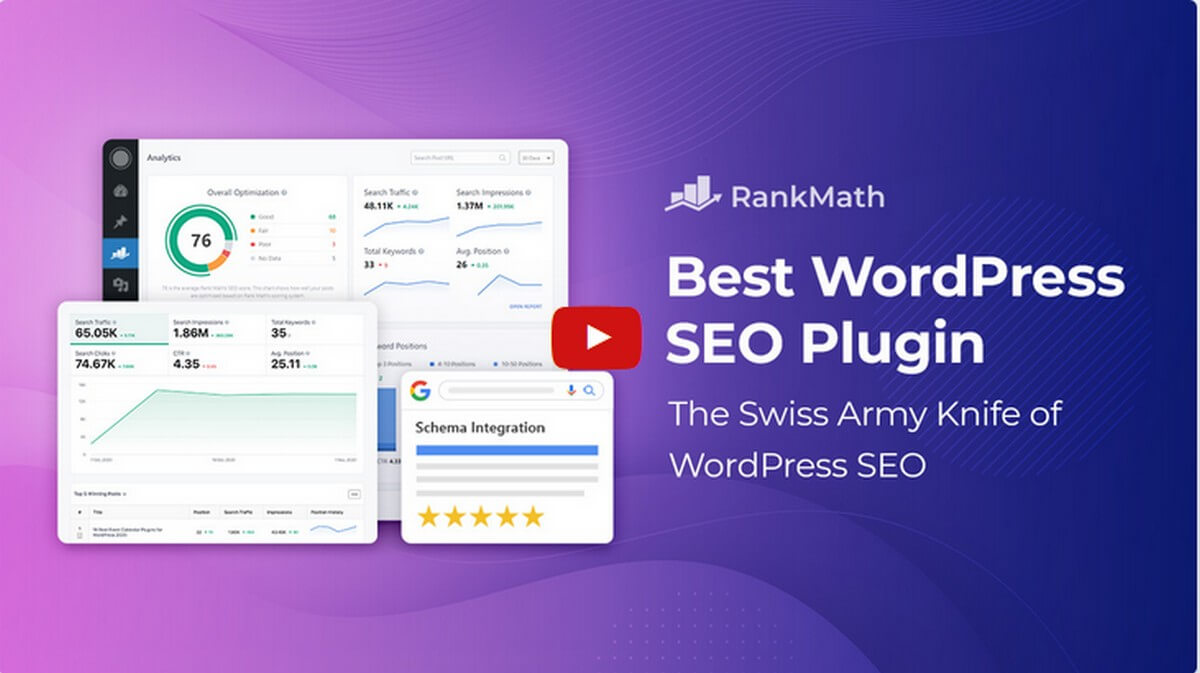
Rank Math SEO Pro is our first pick because it does the most in one plugin. Titles, sitemaps, schema, redirects and local SEO all live in the same settings screen, and the Pro version adds search analytics so you see what ranks without leaving WordPress.
- On-page analysis: a score and a checklist in the editor as you write, tied to the keyword you choose.
- Site analytics: traffic, impressions, keywords and positions from Google, shown in your dashboard.
- Custom schema templates: build a schema type once and apply it wherever it fits.
- News and video sitemaps: for sites that publish news or embed video.
- Local SEO: business details, opening hours and location data for local results.
If you want one SEO plugin and never want to think about a second, start here.
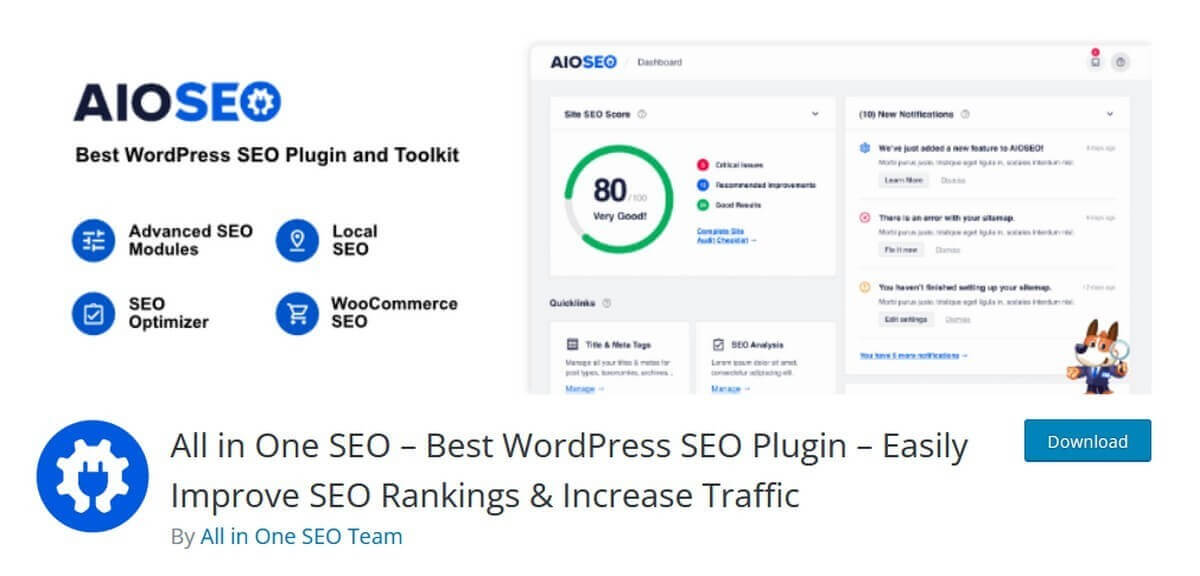
All in One SEO Pack Pro is the easiest of the four suites to set up. A wizard walks you through the basics, and a site score tells you what to fix first. It covers blogs, business sites and online stores out of the box.
- XML sitemaps: built and kept current for you, custom post types included.
- SEO for any content type: set title and description rules for posts, pages, products and custom types.
- Ecommerce SEO: product pages get the same title, schema and sitemap handling as your posts.
- Add-ons when you need them: Redirects, Local Business, Link Assistant, Image SEO, IndexNow, and News and Video Sitemaps are each in the 99Plugs SEO plugins catalog.
It suits the site owner who wants a clear list of what to do next.
3. SEOPress Pro
SEOPress Pro is the lean choice. It covers what the bigger suites cover, with fewer screens to click through.
- Titles, meta and social previews: per page, or by rule across a whole content type.
- Redirects and 404 monitoring: catch broken URLs and point them somewhere useful.
- Broken link checker: find dead links inside your own content.
- Schema and breadcrumbs: structured data and breadcrumb trails without a second plugin.
- Sitemaps: XML and HTML, generated for you.
Choose it if you want the whole toolkit without the clutter.

Yoast SEO Premium is the plugin most WordPress users met first. It handles the technical side of your site, and its real strength is the writing help: it checks each post as you write it.
- Content analysis: keyword checks for the phrase you want to rank for, and its variations.
- Readability checks: sentence length, paragraph length and passive voice, flagged as you type.
- Internal linking suggestions: related posts on your own site to link to, listed beside the editor.
- Redirect manager: change a URL or delete a page and Yoast offers to redirect the old address.
Pick Yoast if your site lives on written content and you want a second pair of eyes on every post.
Schema is the code that tells Google what a page is: a recipe, a product, an event, a review. Google uses it to show rich results, such as star ratings and prices, under your link. WP Schema Pro adds that code without you writing any.
- Set it once: choose a schema type, choose where it applies, and every matching page gets it.
- Many schema types: articles, products, recipes, events, local businesses, reviews and more.
- Point and click mapping: match each schema field to a field you already fill in.
- Works beside your SEO suite: add richer schema than your main SEO plugin writes on its own.
If your pages deserve stars in the results, this is how they get them.
WP Meta SEO is built for editing metadata in bulk. Instead of opening every post to fix a title, you see all your titles and descriptions in one table and edit them in place. The Addon is the premium half, and it runs on top of the free WP Meta SEO plugin.
- Bulk meta editing: titles and descriptions for every page, in one screen.
- Image SEO: rename images and fill in alt text and titles across the media library.
- Automatic 404 fixes: broken URLs are caught and redirected.
- SEO email reports: a regular summary of your site’s SEO sent to your inbox.
It earns its place on older sites with hundreds of posts and no descriptions.
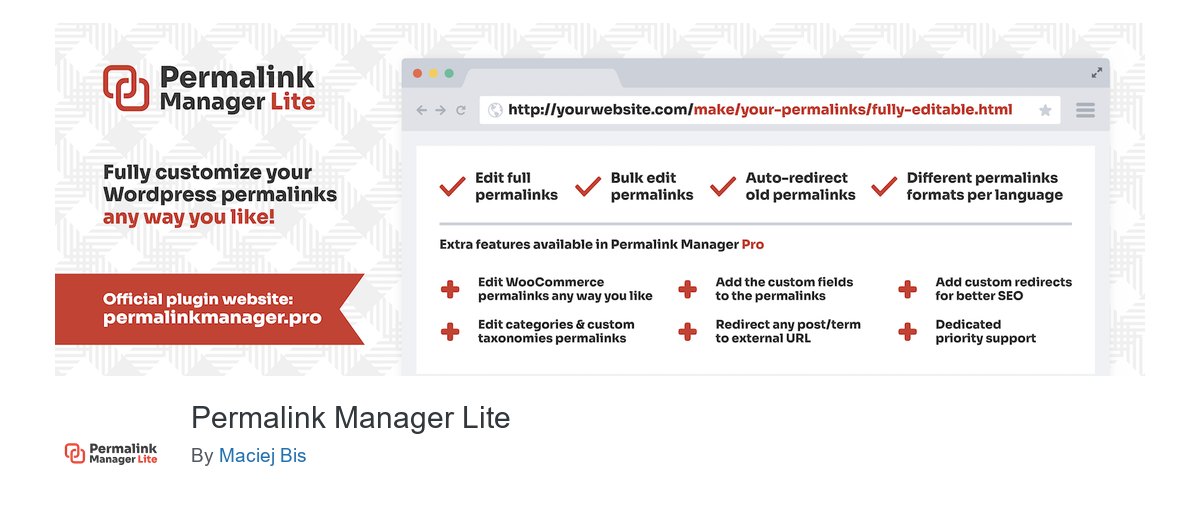
A clean URL tells Google and your reader what the page is about before they click. WordPress gives you one pattern per content type and little control past that. Permalink Manager Pro lets you set the URL of each item by hand.
- Any content type: posts, pages, custom post types, categories, tags and custom taxonomies.
- WooCommerce URLs: product and product category addresses, shaped the way you want.
- Bulk changes: find and replace across URLs, or regenerate them from a new pattern.
Use it when your URLs have grown messy and you want them to describe the page again.
8. FlyingPress
Speed is part of SEO. Google measures loading through its Core Web Vitals, and visitors leave pages that make them wait. FlyingPress is a light speed plugin that improves those scores in a few clicks, with no code to write.
- Page caching: pages are served ready-made instead of built on every visit.
- Lazy loading: images and videos load as the reader scrolls to them.
- CSS and JavaScript cleanup: unused CSS removed and scripts delayed until they are needed.
- Setup in minutes: sensible defaults that work on most sites.
Pick FlyingPress if you want a fast site and a short settings page.
9. Perfmatters

Perfmatters does one thing: it stops WordPress loading what a page does not use. A contact form plugin loads its scripts on every page, even the ones with no form. Perfmatters lets you switch them off where they are not needed.
- Script manager: turn off any plugin’s scripts and styles page by page.
- Lazy loading: for images and iframes, including YouTube embeds.
- Font control: decide how and when fonts load, and host Google Fonts locally.
- Small switches: turn off emojis, embeds and other WordPress extras most sites never use.
Perfmatters has no page cache of its own, so pair it with WP Rocket or FlyingPress.
10. WP Rocket
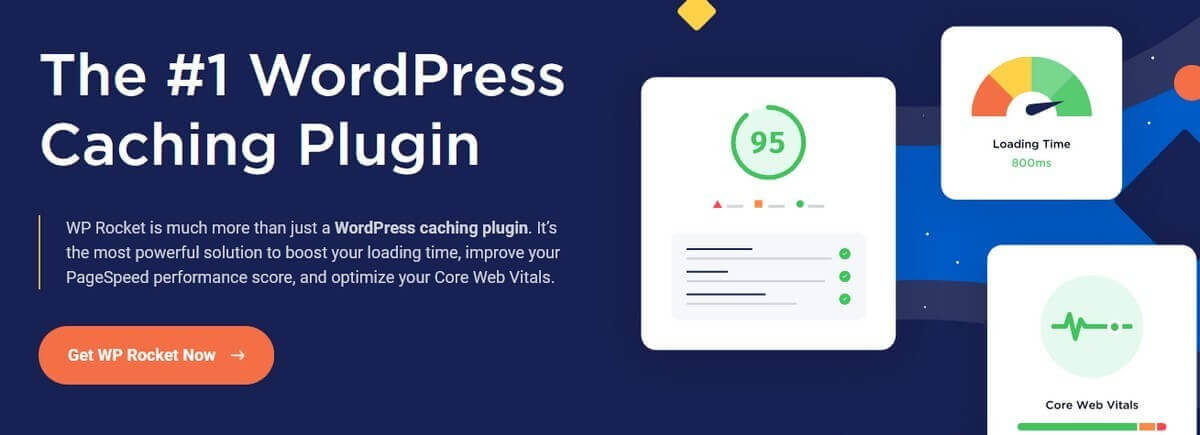
WP Rocket is a caching plugin, and it earns its place on an SEO list through speed. It switches on page caching the moment you activate it, and the rest of the speed settings are a checkbox away.
- Page caching: on from the moment you activate it.
- Lazy loading: images, iframes and videos load as they come into view.
- Minify and combine: smaller CSS and JavaScript files, and fewer of them.
- Database cleanup: clear out old revisions, drafts and spam comments.
Choose WP Rocket if you want the speed work done with the fewest decisions.
How to pick your set
Most sites need three plugins from this list, not ten.
- One SEO suite: Rank Math, All in One SEO, SEOPress or Yoast. Rank Math if you want the most in one place, Yoast if you write a lot.
- One cache: WP Rocket or FlyingPress.
- Extras for a specific job: WP Schema Pro for rich results, Permalink Manager Pro for URLs, WP Meta SEO Addon for bulk edits, Perfmatters to cut what each page loads.
Start with the suite, add the cache, then add an extra only when you have the problem it fixes.
Get all ten for one price
Bought separately from each developer, these ten plugins cost hundreds of dollars a year. At 99Plugs each one is $4.99 for a year of updates or $9.99 for lifetime updates. A VIP Access Pass is $99 a year or $299 for life, and covers these ten plus the rest of 3,000+ premium WordPress plugins and themes, on unlimited sites.
Updates arrive in your WordPress dashboard, the same way free plugin updates do. Click update and you are done.
Want to try before you pay? Start with the free trial. No credit card required.