You log in to fix one thing. Before you reach the menu, you scroll past a license nag, two “rate us five stars” requests, a coupon offer and a warning about a plugin you set up months ago. Every site you manage greets you the same way.
What the clutter looks like
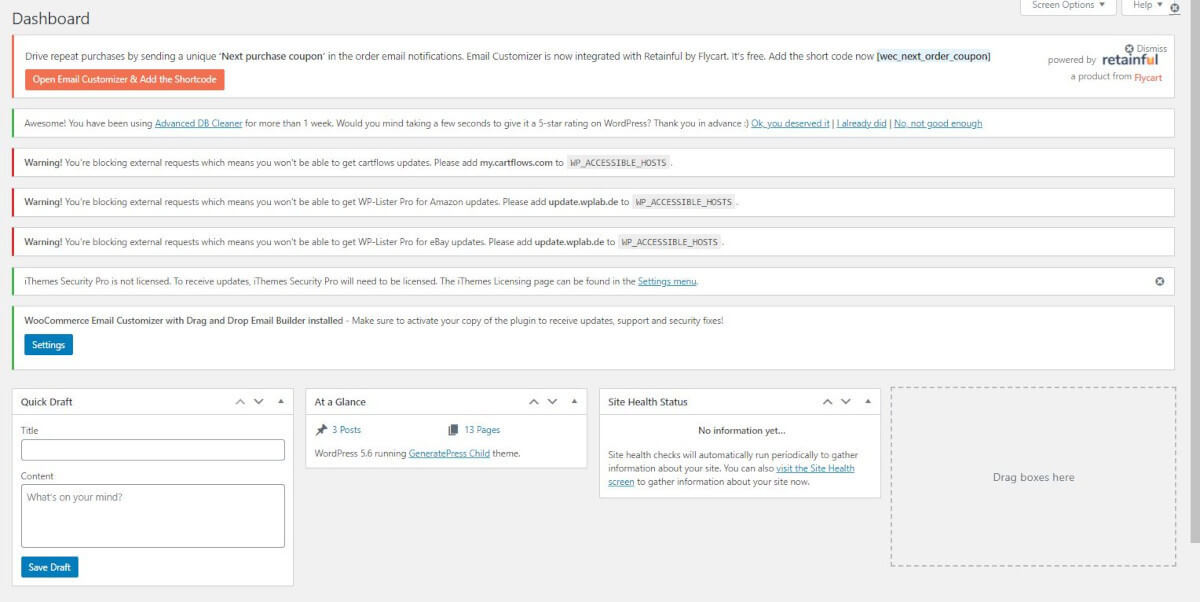
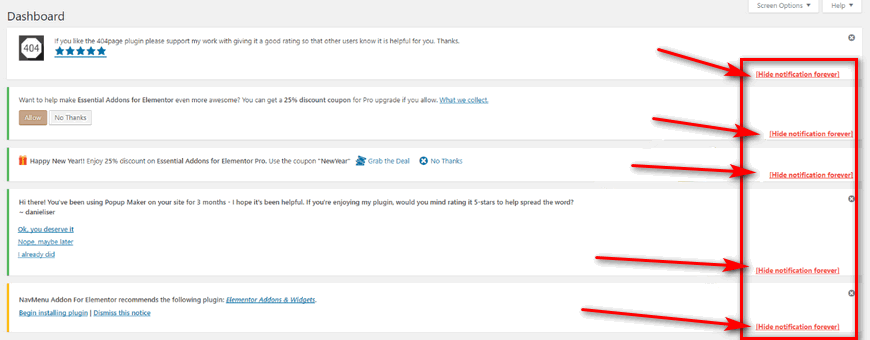
Here is a real dashboard with seven plugins asking for attention at once. The widgets you came for sit below the fold.
Move every notice into one panel
Admin and Site Enhancements Pro has a Hide Admin Notices module. Switch it on and the notices leave the top of every admin screen. They collect in a single panel you open from the admin bar, so nothing is lost. You read them when you choose to.
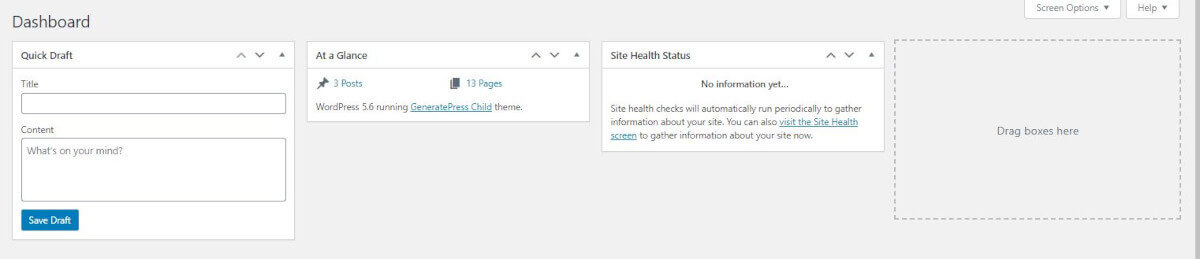
The Pro version goes one step further: it hides notices completely from users who are not administrators. Your clients log in and see their dashboard, not your plugin reminders.
Turn it on
- Install and activate Admin and Site Enhancements Pro.
- Open its settings screen from the WordPress admin menu.
- Find Hide Admin Notices and switch it on.
- Save. Notices now wait in the admin bar panel.
More than one fix in the same plugin
Notices are one module of many. The same plugin can disable dashboard widgets you never use, hide the admin bar for some user roles and tidy the admin menu, per the feature list on its WordPress.org page. One plugin, switched on module by module, in place of a handful of single-job ones.
Tip: Admin and Site Enhancements Pro is one of 3,000+ premium WordPress plugins and themes in the VIP Access Pass. Buy it on its own and updates arrive in your WordPress dashboard through the 99Plugs Update Manager, like any free plugin.
Log in, see your site. That is the whole point.